[简体中文](https://github.com/troyeguo/koodo-reader/blob/master/README_cn.md) | [繁體中文](https://github.com/troyeguo/koodo-reader/blob/master/README_tw.md) | English
Koodo Reader
A cross-platform ebook reader
[Download](https://koodo.960960.xyz/download) | [Website](https://koodo.960960.xyz)
## Preview
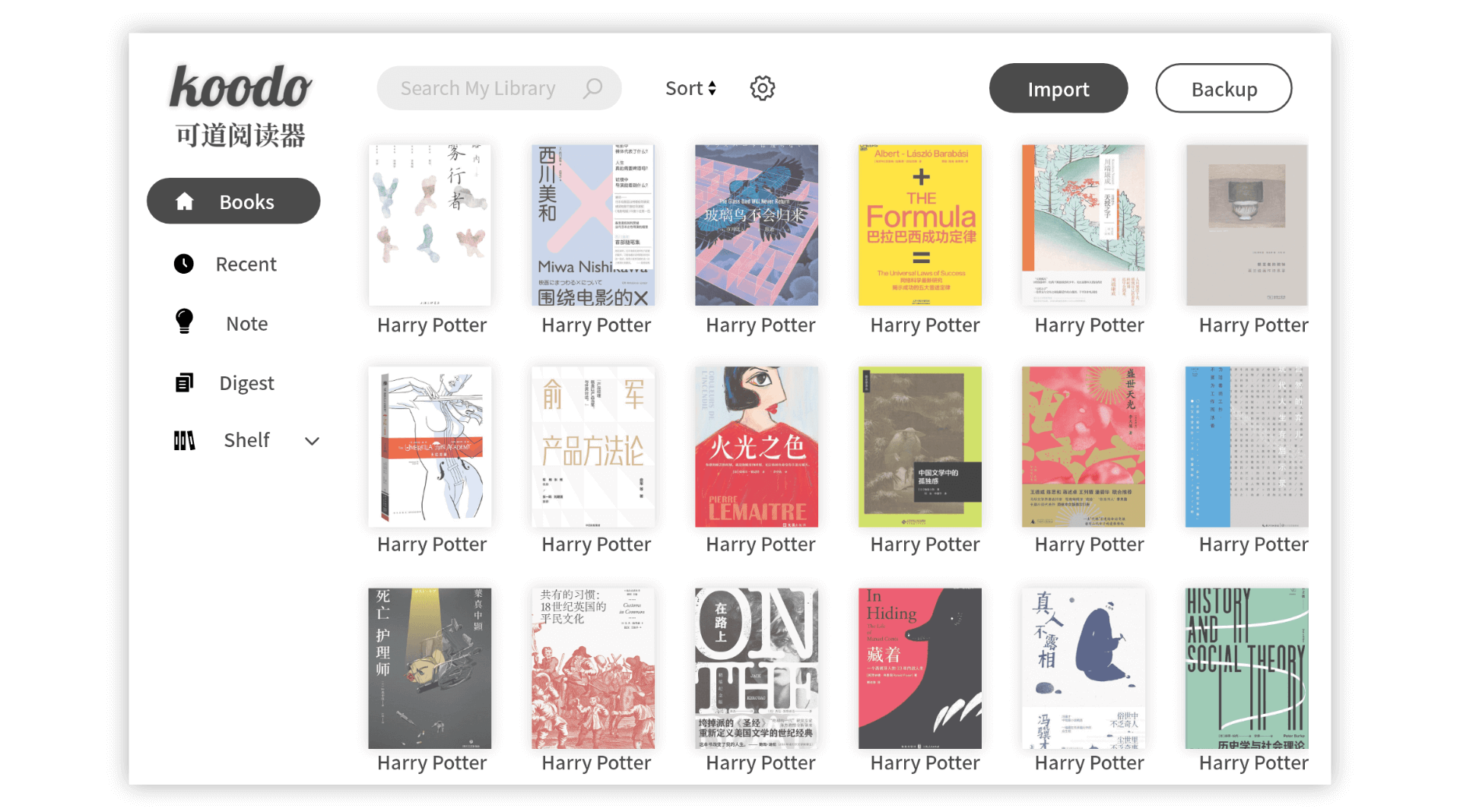
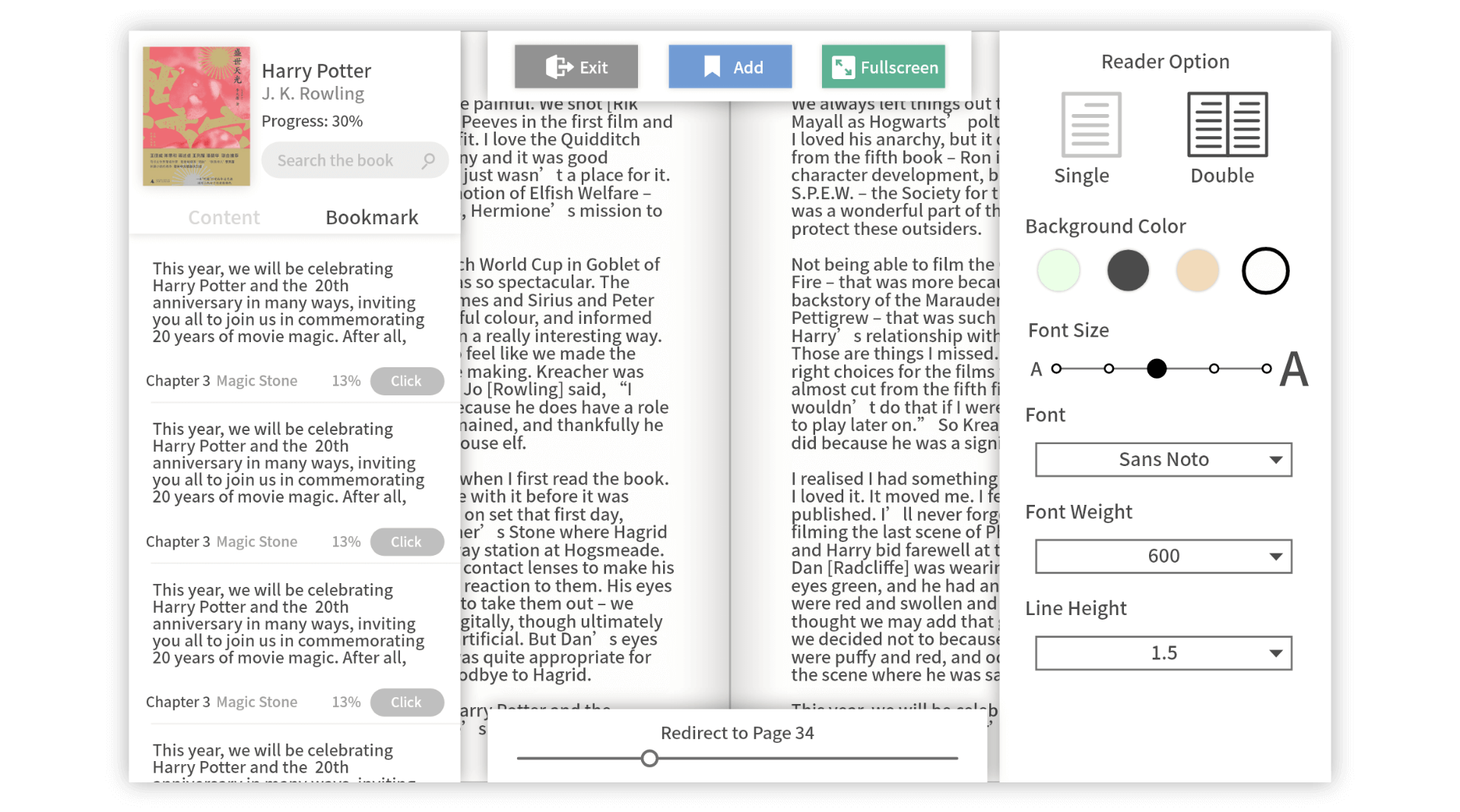
## Feature
Format support: **epub** , **pdf**, **mobi**, **azw3**, and **txt**
Platform support: **Windows** , **macOS**, **Linux** and **Web**
Save your data to **Dropbox** or **Webdav**
Customize the source folder and synchronize multiple devices using OneDrive, iCloud, Dropbox, etc.
Single-column, two-column, or continuous scrolling layouts
Text-to-speech, Translation
Bookmark, Note, Digest, Shelf and Tag
Adjust font, line-spacing, background color, text color and margins
Support for Touch Screen
Text highlight and underline
## Installation
Desktop Version: [Download](https://koodo.960960.xyz/download)
Web Version:[Preview](https://reader.960960.xyz)
Install with [Homebrew](https://brew.sh/):
```shell
brew install --cask koodo-reader
```
## Develop
Make sure node's version on your computer is larger than 10.0.0, yarn and git is in place.
1. Download the repo
```
git clone https://github.com/troyeguo/koodo-reader.git
```
2. Enter desktop mode
```
yarn
yarn dev
```
3. Enter web mode
```
yarn
yarn start
```
## Docker
You can run in docker compose
```bash
docker-compose up -d
```
## Contribution
| Contribution | Contributor |
| :---------------------------------- | :----------------------------------------------------------------------------------------- |
| translation for traditional Chinese | [TobySkarting](https://github.com/TobySkarting), [playercd8](https://github.com/playercd8) |
| translation for Russian | [vanja-san](https://github.com/vanja-san) |
| installation for Homebrew | [singularitti](https://github.com/singularitti) |
| installation for Docker | [yanickxia](https://github.com/yanickxia) |
| other contributors | [bamlan](https://github.com/bamlan) |
## Help
Click [here](https://github.com/troyeguo/koodo-reader/issues) to report your issue, or visit [Website](https://koodo.960960.xyz/support) for more instruction.