mirror of
https://github.com/koodo-reader/koodo-reader.git
synced 2026-06-17 12:20:40 -04:00

简体中文 | English
Koodo Reader
A cross-platform ebook reader
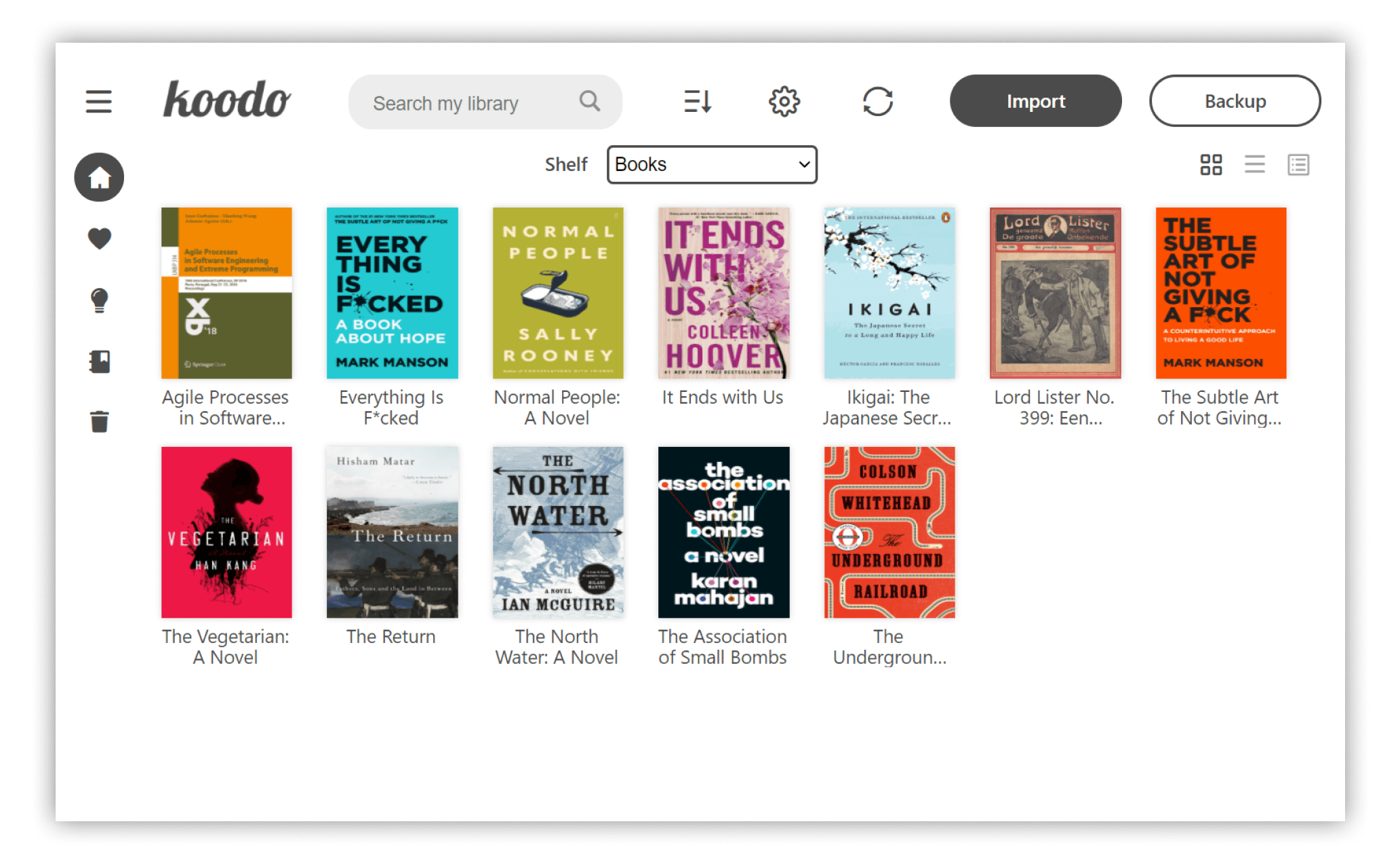
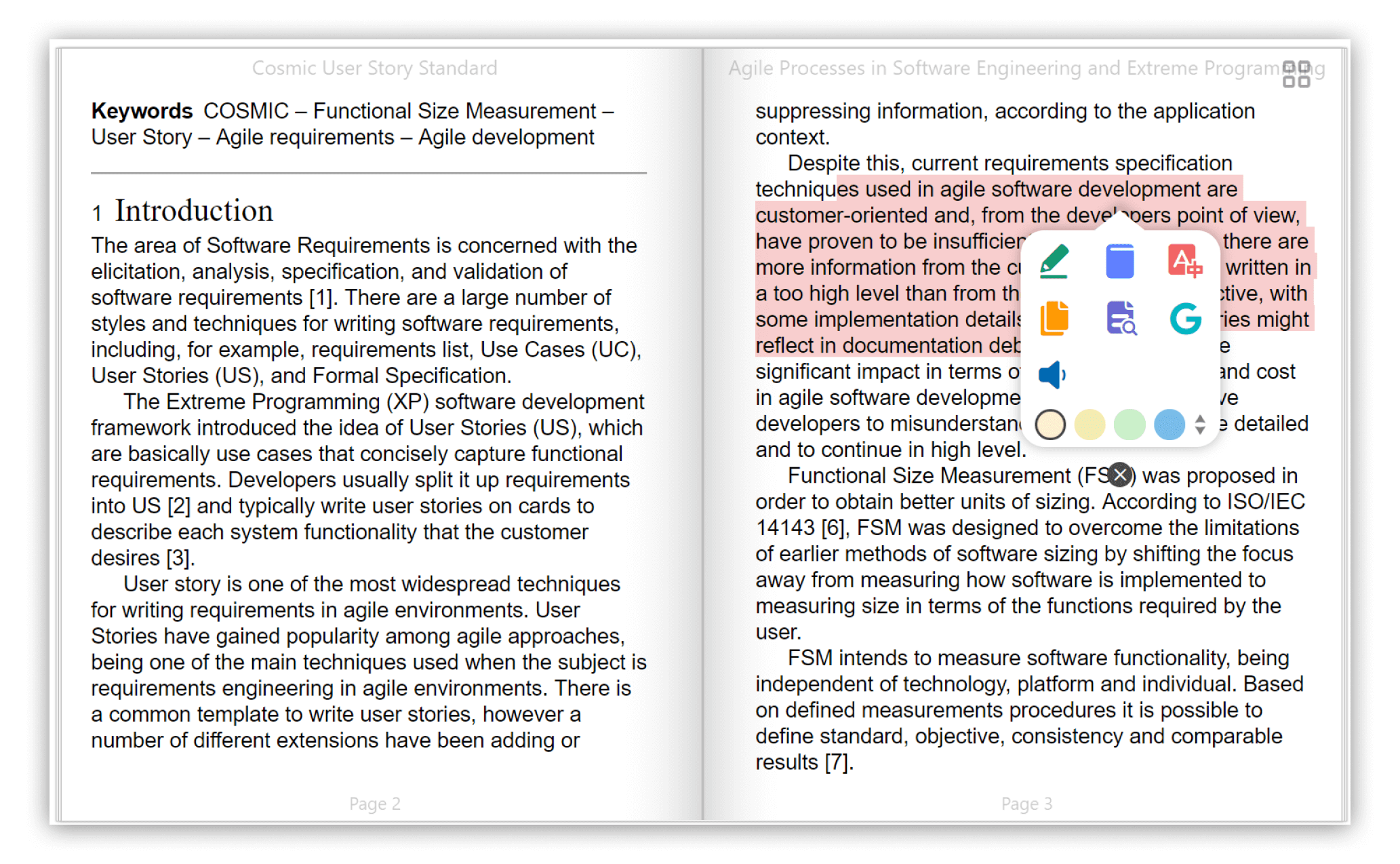
Preview
Feature
- Format support:
- EPUB (.epub)
- Scanned document (.pdf, .djvu)
- Kindle (.azw3) and Mobipocket (.mobi)
- Plain text (.txt)
- FictionBook (.fb2)
- Comic book archive (.cbr, .cbz, .cbt)
- Rich text (.md, .docx, .rtf)
- Hyper Text (.html, .xml)
- Platform support: Windows , macOS, Linux and Web
- Save your data to Dropbox or Webdav
- Customize the source folder and synchronize among multiple devices using OneDrive, iCloud, Dropbox, etc.
- Single-column, two-column, or continuous scrolling layouts
- Text-to-speech, translation, progress slider, touch screen support, batch import
- Add bookmarks, notes, highlights to your books
- Adjust font size, font family, line-spacing, paragraph spacing, background color, text color, margins, and brightness
- Night mode and theme color
- Text highlight, underline, boldness, italics and shadow
Installation
- Desktop Version:
- Web Version:Preview
- Install with Homebrew:
brew install --cask koodo-reader
- Install with Docker:
docker-compose up -d
Screenshot
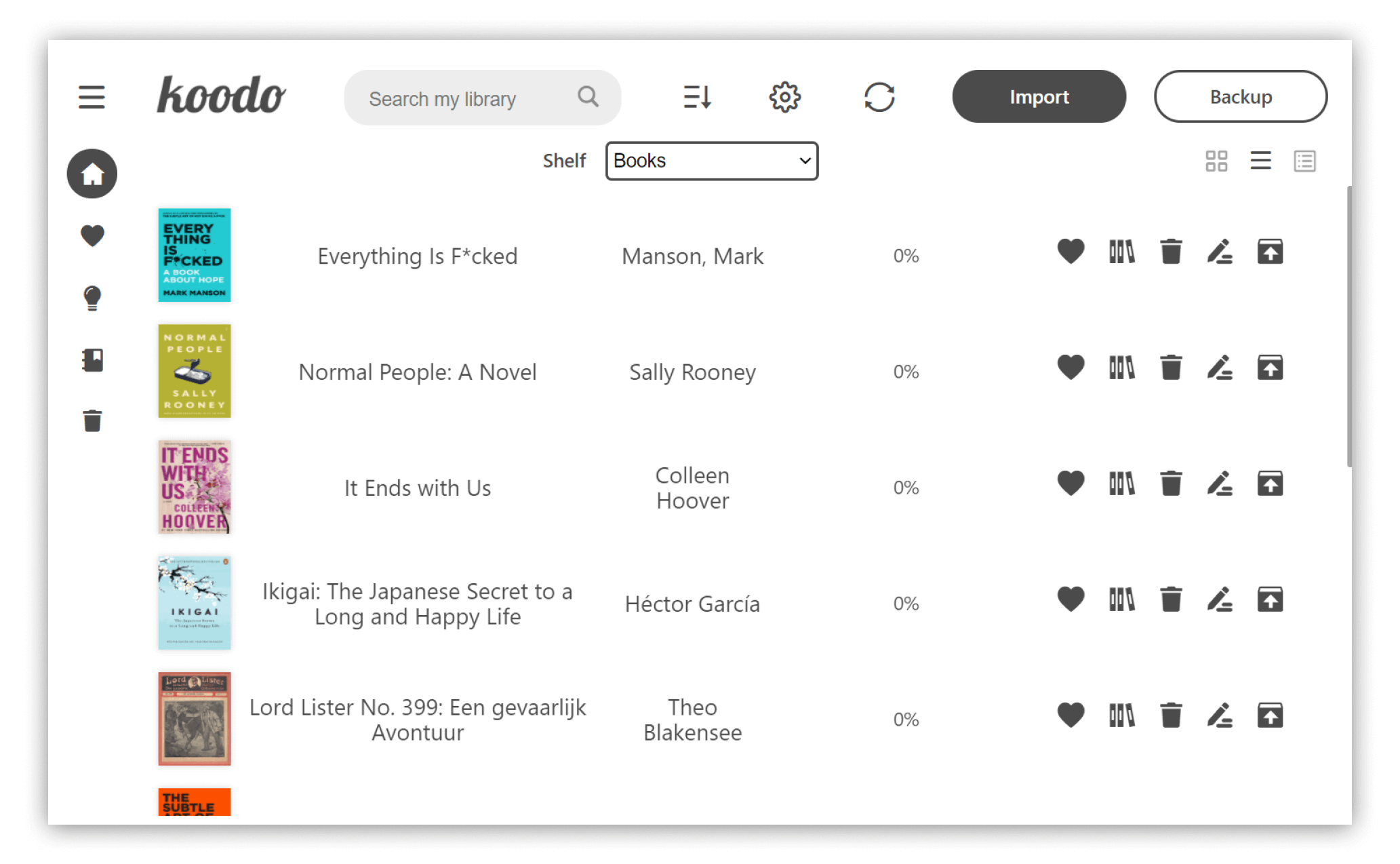
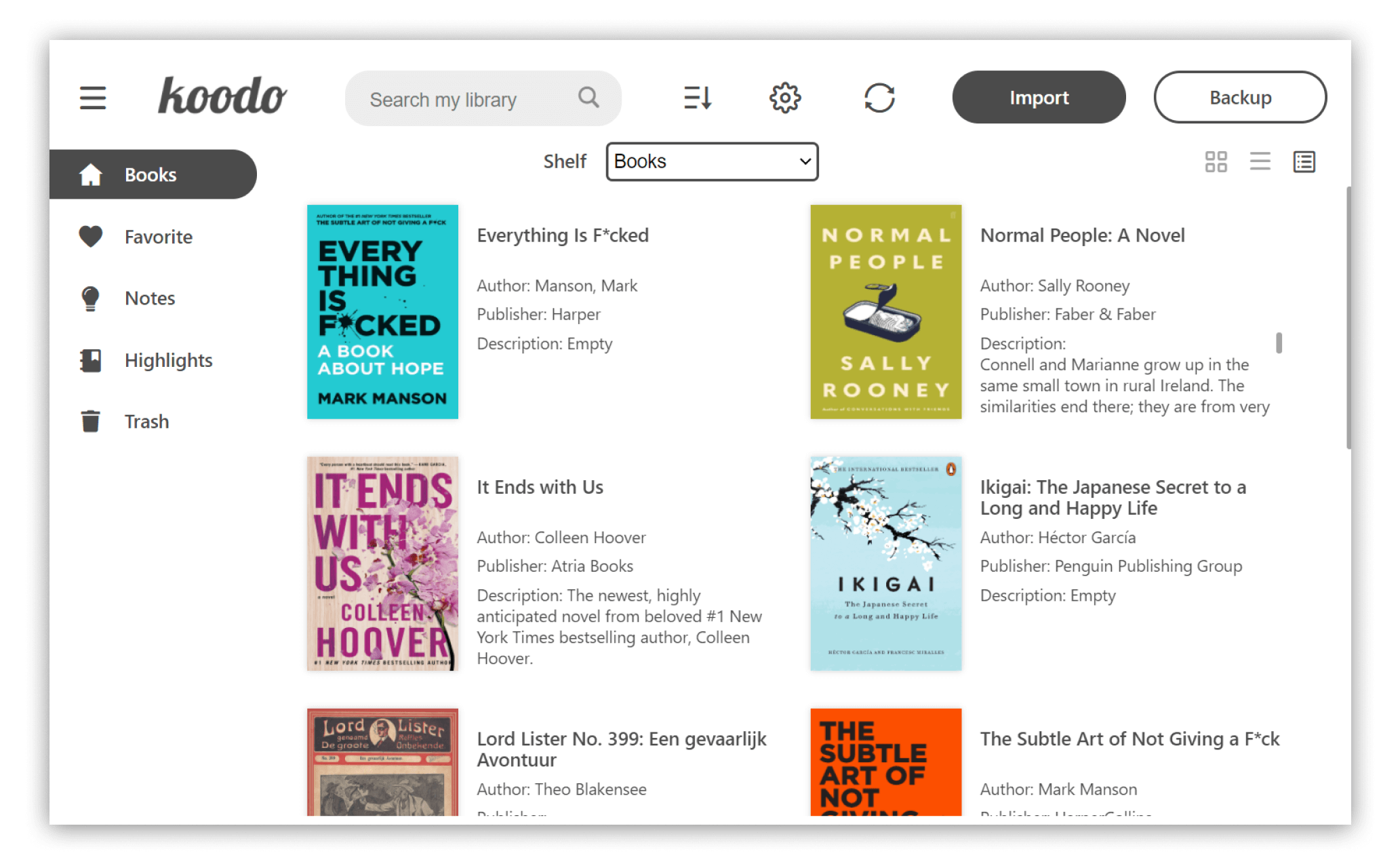
List mode
 Cover mode
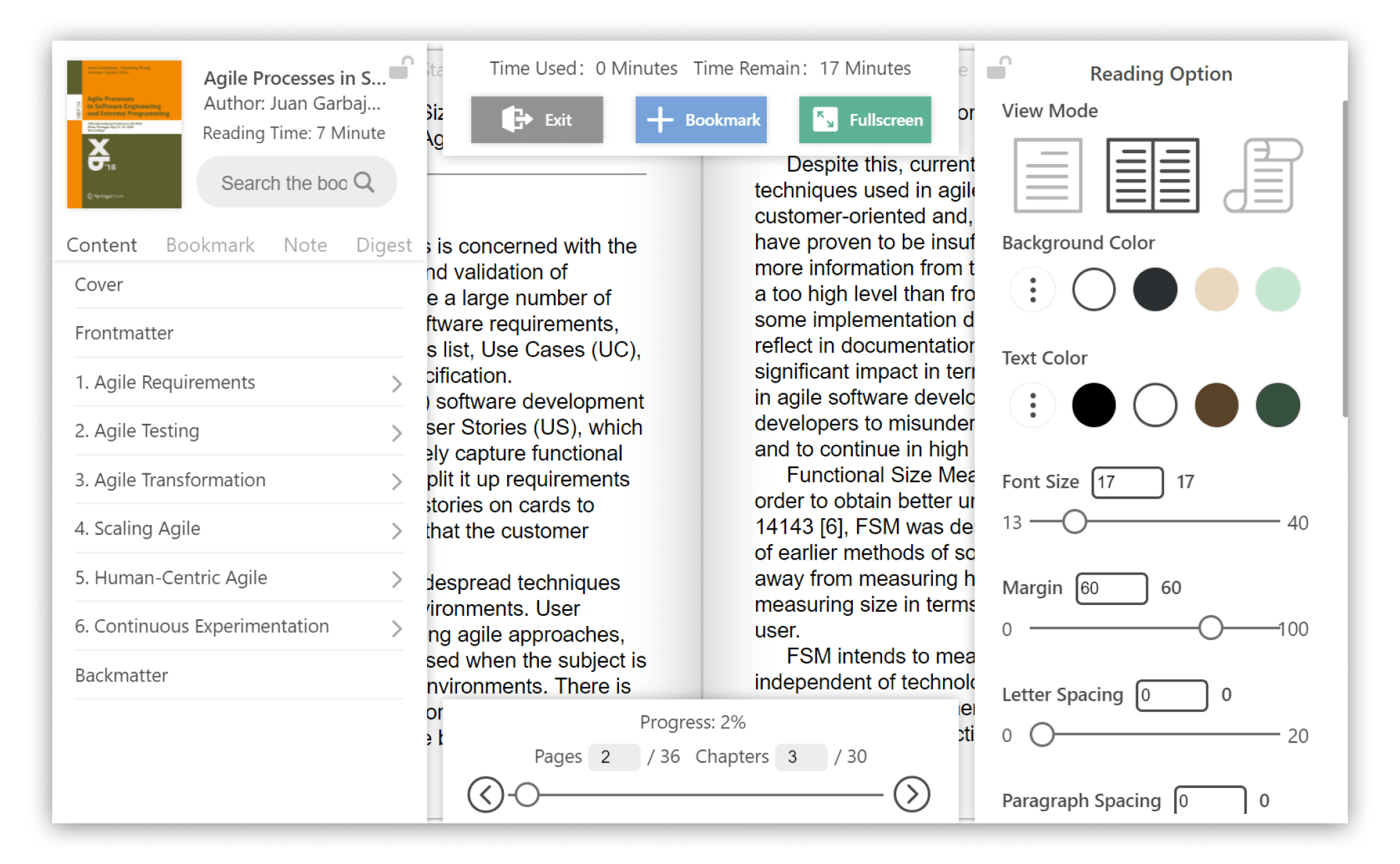
 Reader menu
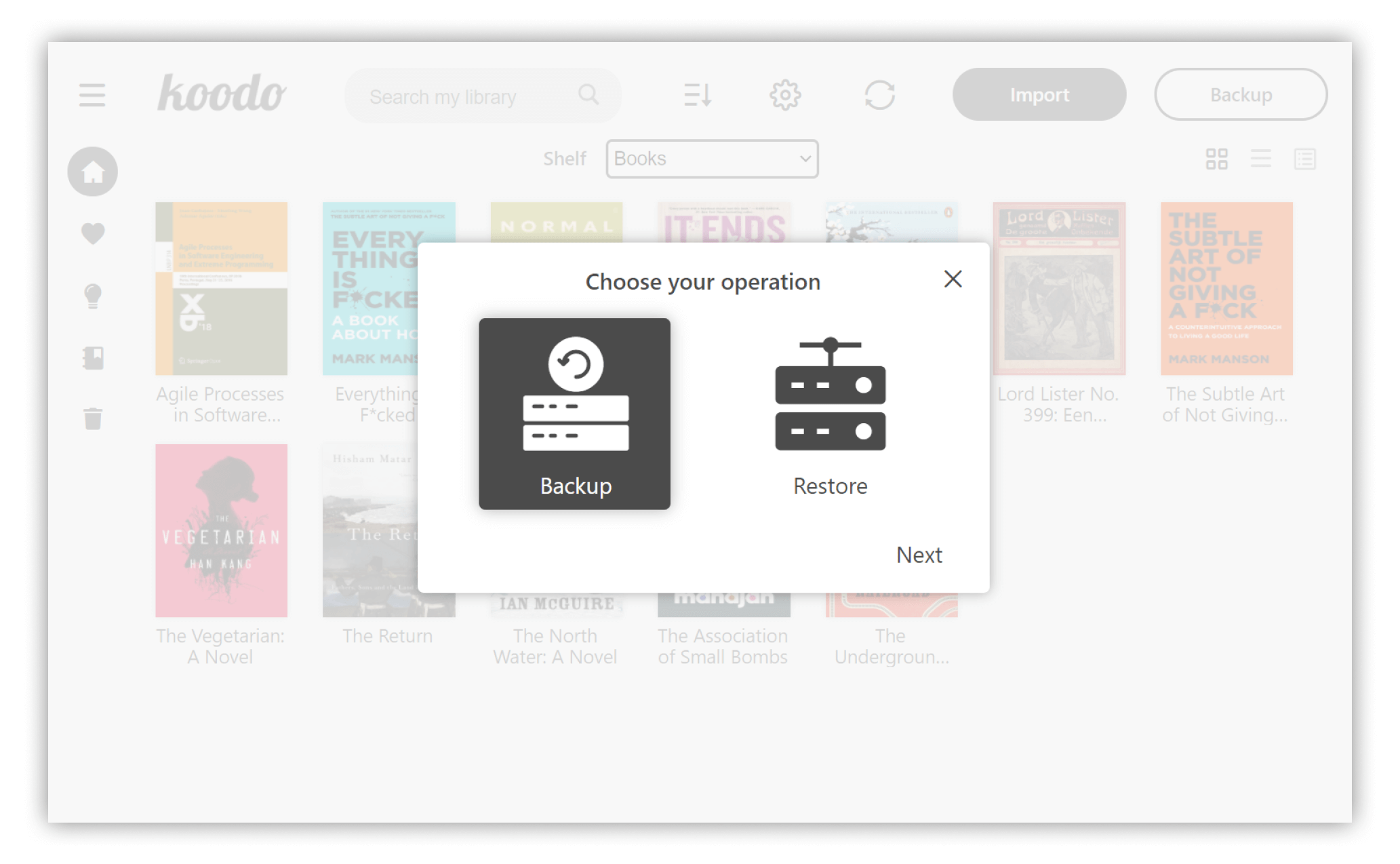
 Backup and restore
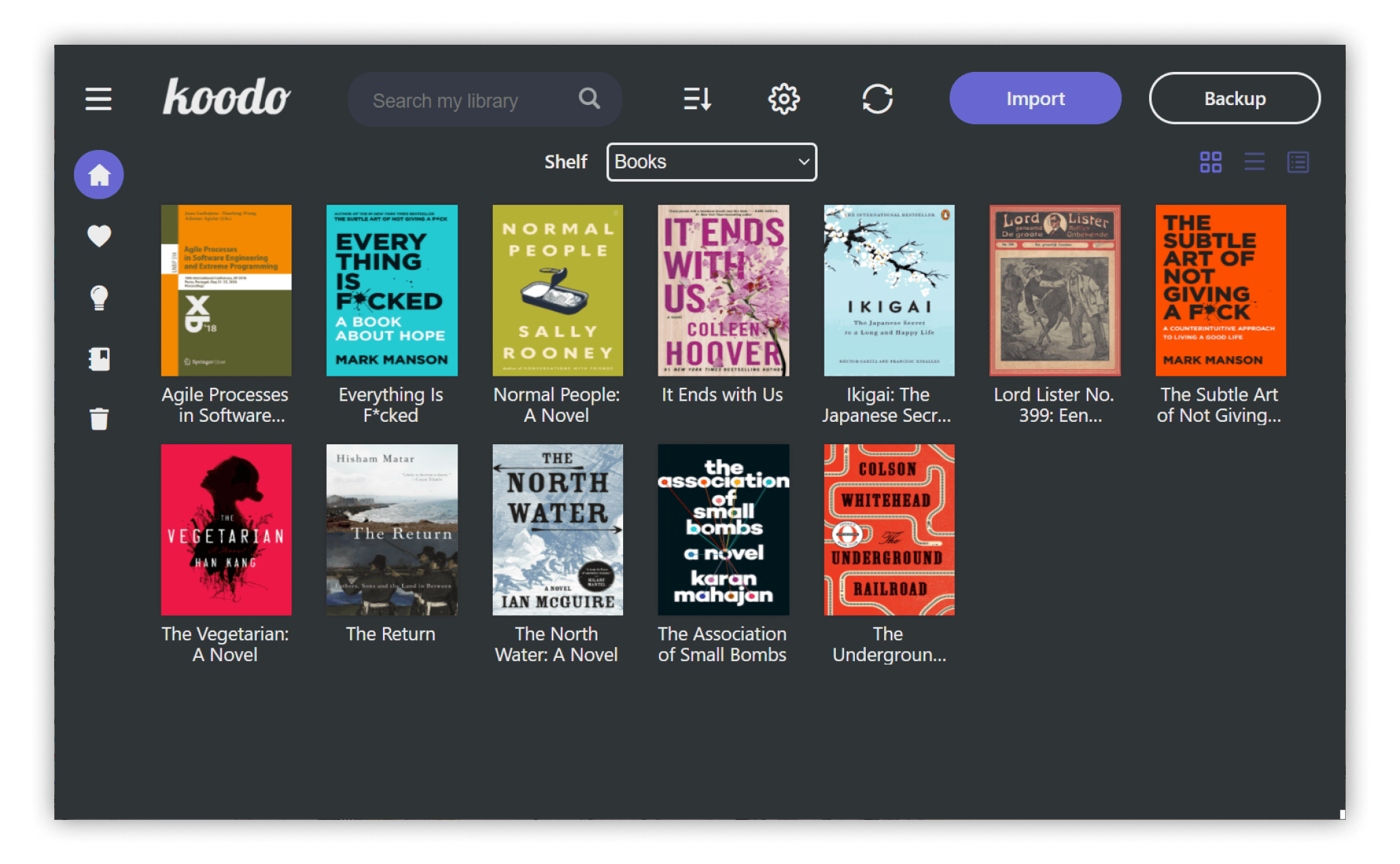
 Dark mode and theme color
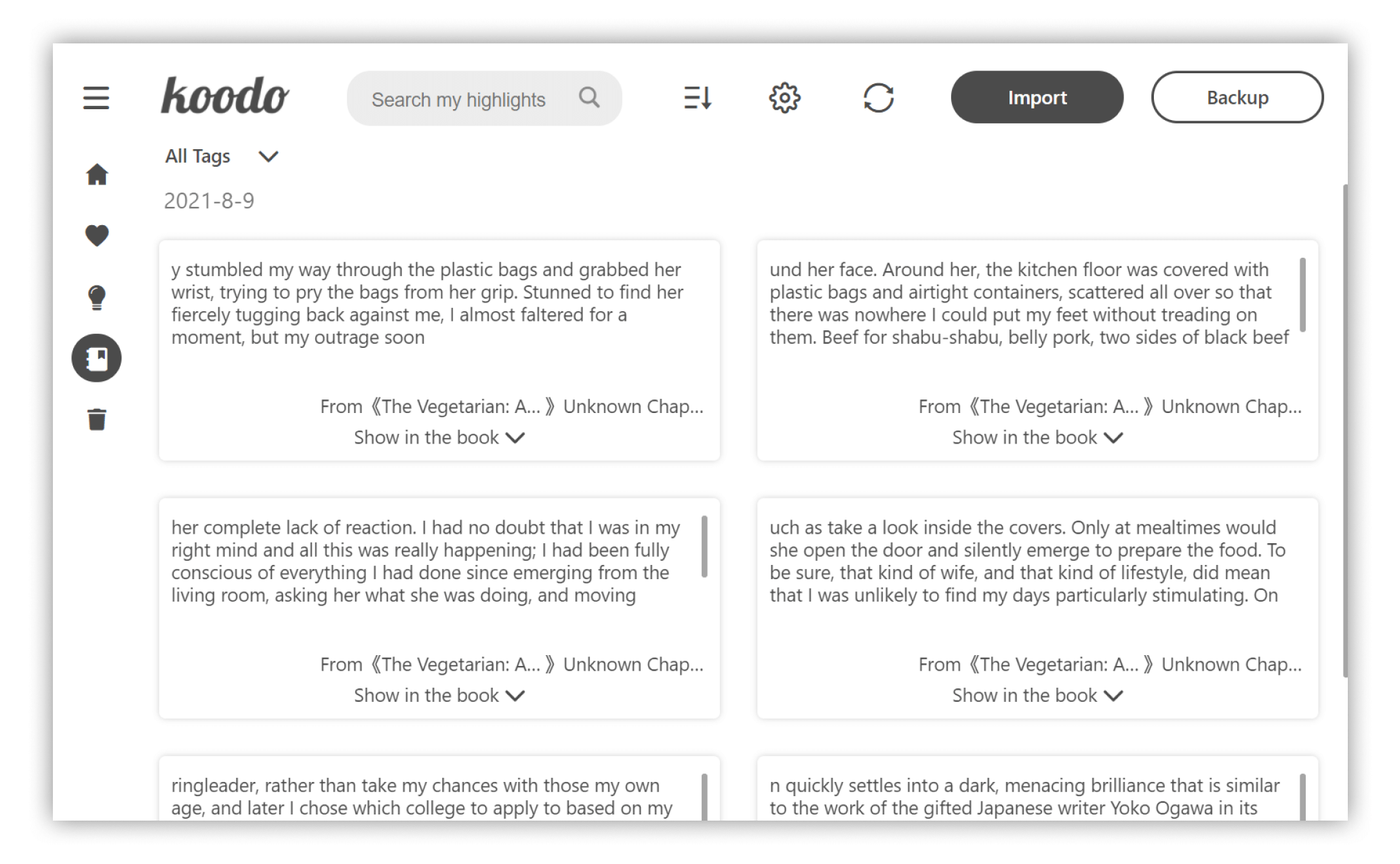
 Note management
Cover mode
Reader menu
Backup and restore
Dark mode and theme color
Note management
Develop
Make sure that you have installed yarn and git, node's version on your computer is larger than 14.0.0.
-
Download the repo
git clone https://github.com/troyeguo/koodo-reader.git -
Enter desktop mode
yarn yarn dev -
Enter web mode
yarn
yarn start
License
This project is generally licensed under AGPL3.0, but any kind of modification of source code for commercial projects or alternation on logo or name are not allowed.