11640f2e4d
* fix(security): restrict transcoding config reads to admins

Authenticated non-admin users could read transcoding configs through
the native API (GET /api/transcoding and /api/transcoding/{id}) when
EnableTranscodingConfig was enabled. The responses included the full
command templates, disclosing admin-configured ffmpeg invocations and
local command paths. Write operations were already admin-only.

The /transcoding route was registered in the general authenticated
group, and only the repository's write methods checked IsAdmin. This
applies the boundary at two layers:

- Move the route under adminOnlyMiddleware, alongside the other
  admin-only resources (/library, /config, /inspect).
- Add an IsAdmin guard to the repository's rest.Repository read
  methods (Read, ReadAll, Count) as defense-in-depth.

The guard is scoped to the REST methods only. The streaming pipeline
resolves profiles via Get/FindByFormat (model.TranscodingRepository),
which stay open so transcoding keeps working for non-admin users.

Adds regression tests covering non-admin read denial and confirming
non-admin streaming lookups (Get/FindByFormat) still succeed.

* fix(security): redact transcoding Command for non-admins instead of blocking reads

Reworks the previous approach after review (Codex P2): moving /transcoding
under adminOnlyMiddleware and denying non-admin reads broke legitimate
non-admin UI flows. The web UI reads the transcoding resource as a regular
user in several places that need only the profile name and target format:
the player edit dropdown (ReferenceInput), the player list (ReferenceField),
and the share/download format pickers (useGetList -> {targetFormat, name}).

The only sensitive field is Command (the admin-owned ffmpeg template). So:

- Revert the route move; /transcoding stays in the authenticated group.
- Read/ReadAll now return the profiles to any authenticated user but blank
  the Command field for non-admins (mirrors user_repository's field-level
  redaction). Count is no longer denied (the UI needs list pagination).
- Writes remain admin-only (Save/Update/Delete/Put).
- Streaming is unaffected: it resolves profiles via Get/FindByFormat, which
  are not redacted, so on-the-fly transcoding keeps working for non-admins.

Tests updated: non-admin reads succeed with Command blank, admin reads keep
Command, non-admin Get/FindByFormat keep Command, writes still denied.

Navidrome Music Server 








Navidrome is an open source web-based music collection server and streamer. It gives you freedom to listen to your music collection from any browser or mobile device. It's like your personal Spotify!
Note: The master branch may be in an unstable or even broken state during development.
Please use releases instead of
the master branch in order to get a stable set of binaries.
Check out our Live Demo!
Any feedback is welcome! If you need/want a new feature, find a bug or think of any way to improve Navidrome, please file a GitHub issue or join the discussion in our Subreddit. If you want to contribute to the project in any other way (ui/backend dev, translations, themes), please join the chat in our Discord server.
Installation
See instructions on the project's website
Cloud Hosting
PikaPods has partnered with us to offer you an officially supported, cloud-hosted solution. A share of the revenue helps fund the development of Navidrome at no additional cost for you.

Features
- Handles very large music collections
- Streams virtually any audio format available
- Reads and uses all your beautifully curated metadata
- Great support for compilations (Various Artists albums) and box sets (multi-disc albums)
- Multi-user, each user has their own play counts, playlists, favourites, etc...
- Very low resource usage
- Multi-platform, runs on macOS, Linux and Windows. Docker images are also provided
- Ready to use binaries for all major platforms, including Raspberry Pi
- Automatically monitors your library for changes, importing new files and reloading new metadata
- Themeable, modern and responsive Web interface based on Material UI
- Compatible with all Subsonic/Madsonic/Airsonic clients
- Transcoding on the fly. Can be set per user/player. Opus encoding is supported
- Translated to various languages
Translations
Navidrome uses POEditor for translations, and we are always looking for more contributors
Documentation
All documentation can be found in the project's website: https://www.navidrome.org/docs. Here are some useful direct links:
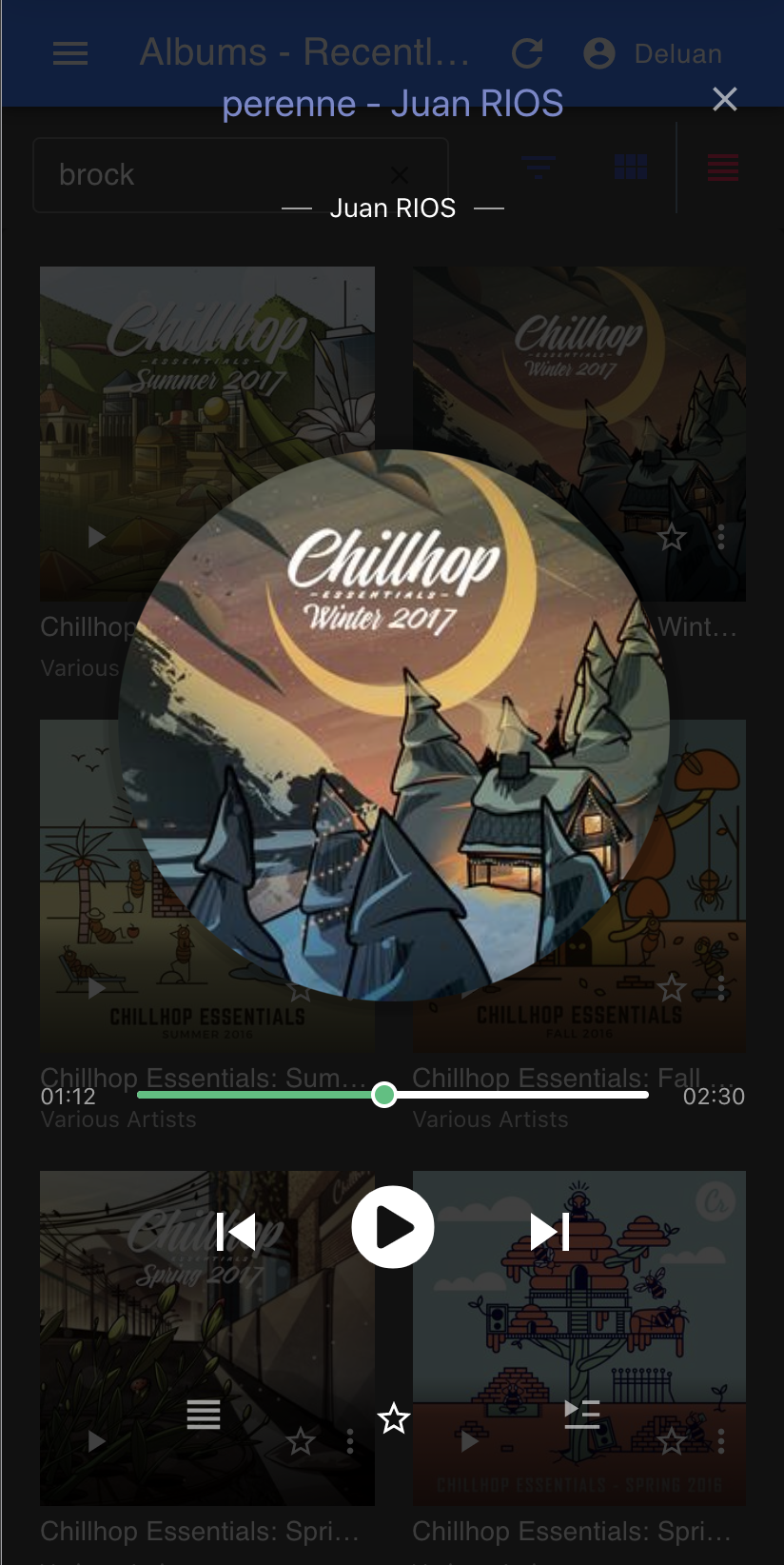
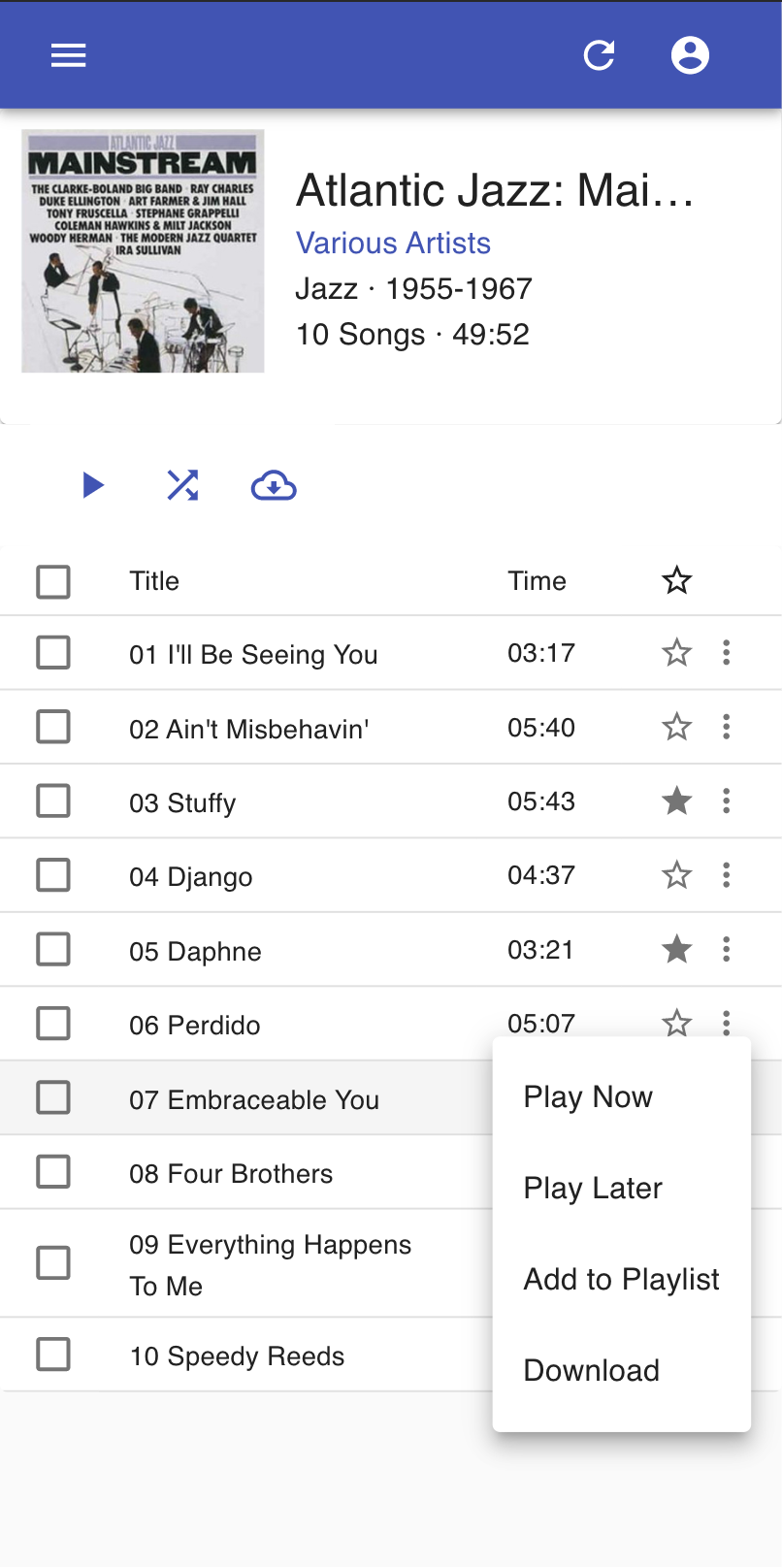
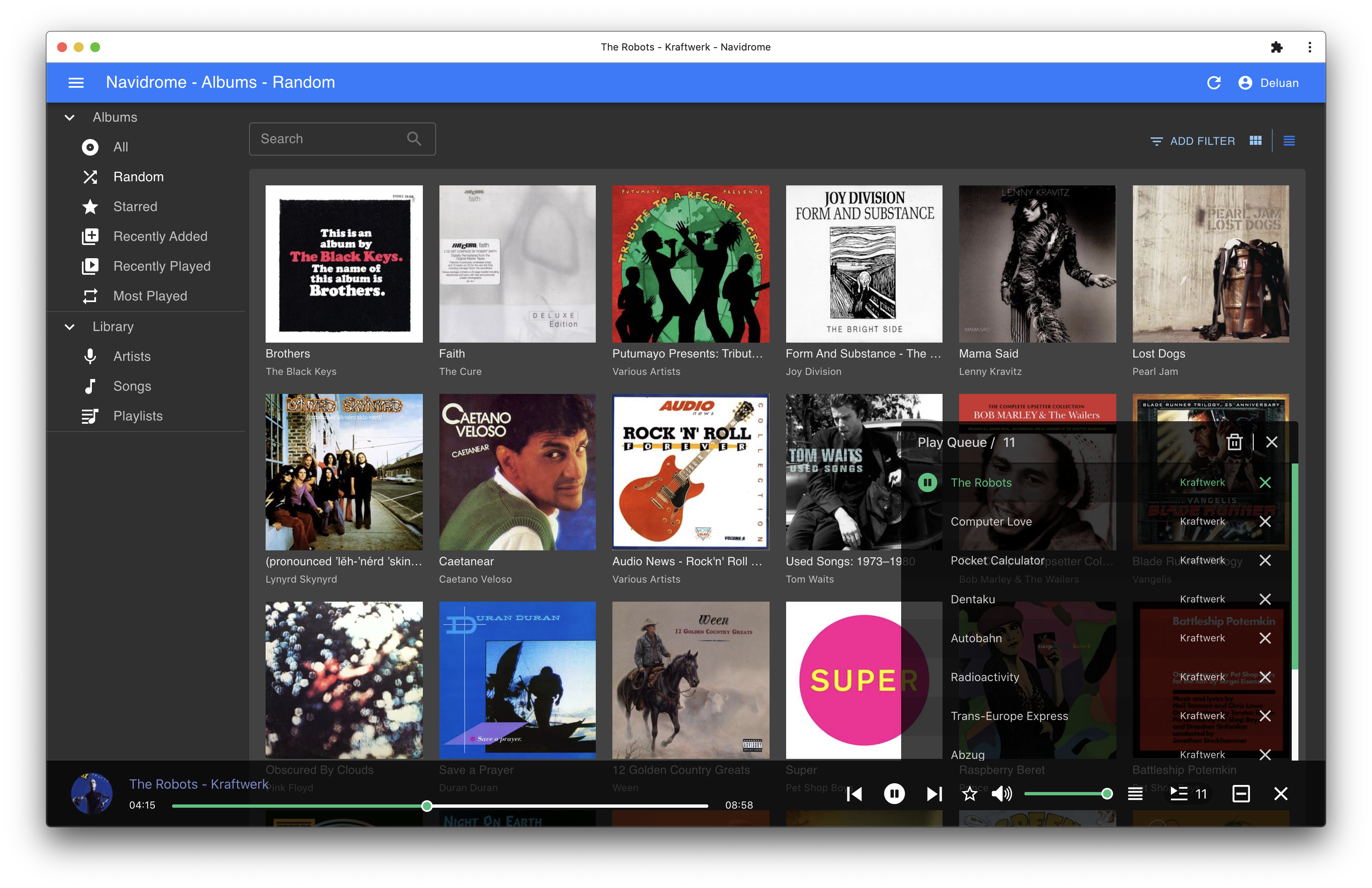
Screenshots