Deluan Quintão
27209ed26a
Deluan Quintão
27209ed26a
* fix(transcoding): clamp target channels to codec limit (#5336)

When transcoding a multi-channel source (e.g. 6-channel FLAC) to MP3, the
decider passed the source channel count through to ffmpeg unchanged. The
default MP3 command path then emitted `-ac 6`, and the template path injected
`-ac 6` after the template's own `-ac 2`, causing ffmpeg to honor the last
occurrence and fail with exit code 234 since libmp3lame only supports up to
2 channels.

Introduce `codecMaxChannels()` in core/stream/codec.go (mp3→2, opus→8),
mirroring the existing `codecMaxSampleRate` pattern, and apply the clamp in
`computeTranscodedStream` right after the sample-rate clamps. Also fix a
pre-existing ordering bug where the profile's MaxAudioChannels check compared
against src.Channels rather than ts.Channels, which would have let a looser
profile setting raise the codec-clamped value back up. Comparing against the
already-clamped ts.Channels makes profile limits strictly narrowing, which
matches how the sample-rate block already behaves.

The ffmpeg buildTemplateArgs comment is refreshed to point at the new upstream
clamp, since the flags it injects are now always codec-safe.

Adds unit tests for codecMaxChannels and four decider scenarios covering the
literal issue repro (6-ch FLAC→MP3 clamps to 2), a stricter profile limit
winning over the codec clamp, a looser profile limit leaving the codec clamp
intact, and a codec with no hard limit (AAC) passing 6 channels through.

* test(e2e): pin codec channel clamp at the Subsonic API surface (#5336)

Add a 6-channel FLAC fixture to the e2e test suite and use it to assert the
codec channel clamp end-to-end on both Subsonic streaming endpoints:

- getTranscodeDecision (mp3OnlyClient, no MaxAudioChannels in profile):
  expects TranscodeStream.AudioChannels == 2 for the 6-channel source. This
  exercises the new codecMaxChannels() helper through the OpenSubsonic
  decision endpoint, with no profile-level channel limit masking the bug.

- /rest/stream (legacy): requests format=mp3 against the multichannel
  fixture and asserts streamerSpy.LastRequest.Channels == 2, confirming
  the clamp propagates through ResolveRequest into the stream.Request that
  the streamer receives.

The fixture is metadata-only (channels: 6 plumbed via the existing
storagetest.File helper) — no real audio bytes required, since the e2e
suite uses a spy streamer rather than invoking ffmpeg. Bumps the empty-query
search3 song count expectation from 13 to 14 to account for the new fixture.

* test(decider): clarify codec-clamp comment terminology

Distinguish "transcoding profile MaxAudioChannels" (Profile.MaxAudioChannels
field) from "LimitationAudioChannels" (CodecProfile rule constant). The
regression test bypasses the former, not the latter.

Navidrome Music Server 








Navidrome is an open source web-based music collection server and streamer. It gives you freedom to listen to your music collection from any browser or mobile device. It's like your personal Spotify!
Note: The master branch may be in an unstable or even broken state during development.
Please use releases instead of
the master branch in order to get a stable set of binaries.
Check out our Live Demo!
Any feedback is welcome! If you need/want a new feature, find a bug or think of any way to improve Navidrome, please file a GitHub issue or join the discussion in our Subreddit. If you want to contribute to the project in any other way (ui/backend dev, translations, themes), please join the chat in our Discord server.
Installation
See instructions on the project's website
Cloud Hosting
PikaPods has partnered with us to offer you an officially supported, cloud-hosted solution. A share of the revenue helps fund the development of Navidrome at no additional cost for you.

Features
- Handles very large music collections
- Streams virtually any audio format available
- Reads and uses all your beautifully curated metadata
- Great support for compilations (Various Artists albums) and box sets (multi-disc albums)
- Multi-user, each user has their own play counts, playlists, favourites, etc...
- Very low resource usage
- Multi-platform, runs on macOS, Linux and Windows. Docker images are also provided
- Ready to use binaries for all major platforms, including Raspberry Pi
- Automatically monitors your library for changes, importing new files and reloading new metadata
- Themeable, modern and responsive Web interface based on Material UI
- Compatible with all Subsonic/Madsonic/Airsonic clients
- Transcoding on the fly. Can be set per user/player. Opus encoding is supported
- Translated to various languages
Translations
Navidrome uses POEditor for translations, and we are always looking for more contributors
Documentation
All documentation can be found in the project's website: https://www.navidrome.org/docs. Here are some useful direct links:
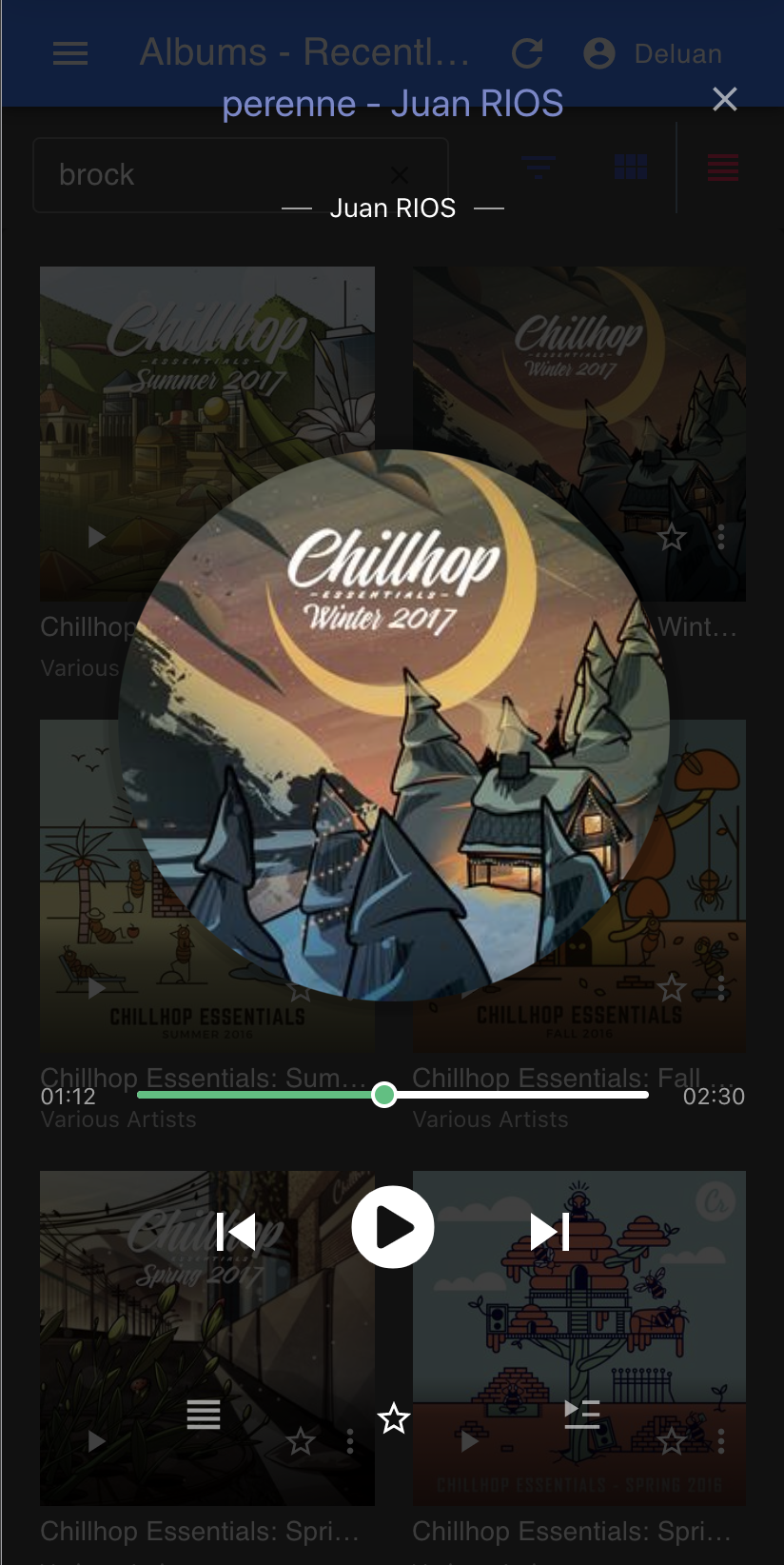
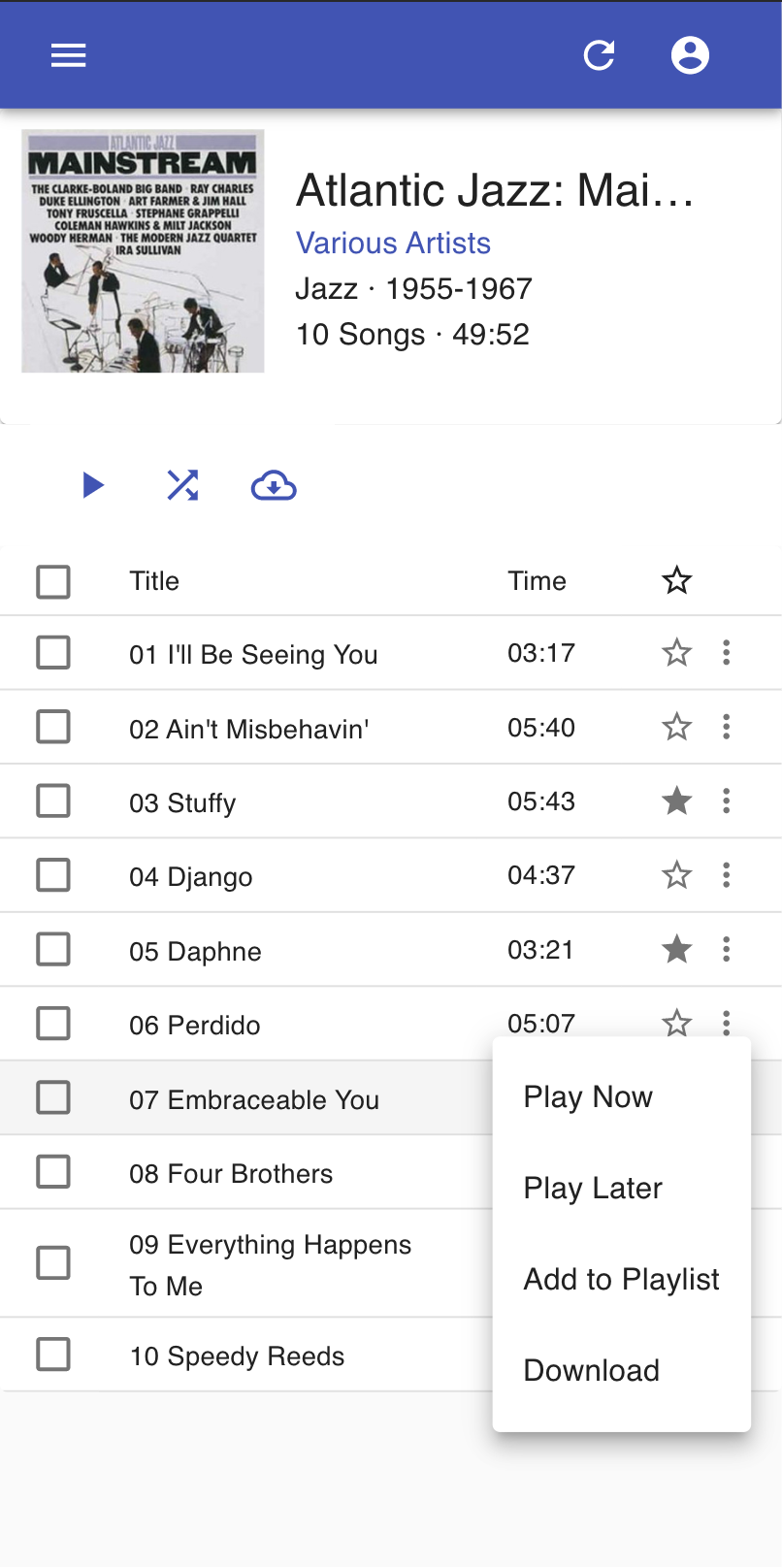
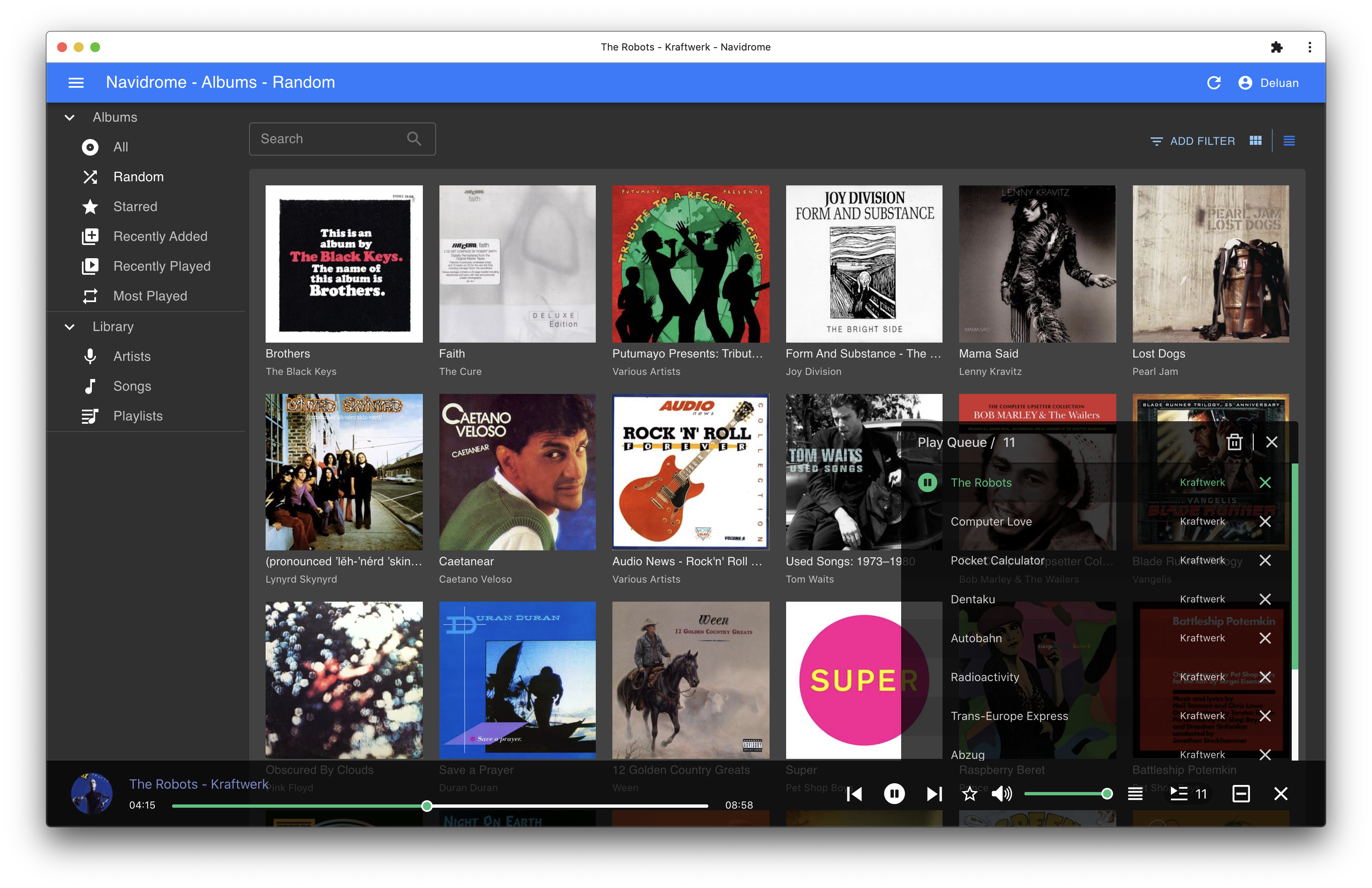
Screenshots