 574de7aa0c
- `PolygonMesh.SetFaceTextureCoords()` now properly sets `IsDirty`
- Added `PolygonMesh.GetFaceTextureCoords()`
- Added `FastTextureWindow` (which extends RectEditor.Window) and `FastTextureSettings` classes
- Added `MeshRectangle` which is a RectEditor `Rectangle` that contains faces from a mesh unwrapped within the rectangle, reflecting any transform changes made back to the associated mesh faces
- Added `EdgeAwareFaceUnwrapper` class which handles all UV unwrapping
- Added a "Fast Texturing Tool" button to the Mapping Tool's Texture Mode which opens a FastTextureWindow with the selected faces. This can also be opened with the shortcut CTRL+G (from the Texture Mode OR the Face Mode)
- If a Fast Texturing Tool window is open and the faces are deselected (or the user exits the Mapping Tool) the window will automatically close itself
- Implemented U/V Alignment Settings (+ Horizontal/Vertical Flip)
- Implemented Inset X/Y Settings
- Implemented Square Unwrap, Planar Unwrap, and Use Existing mapping modes
- If the selected material has a rect asset, you can double-click on a rect to automatically fit your UV rectangle to the one you double-clicked. (You can also toggle the visibility of the material's rects)
- Implemented the "Pick Edge" button which allows you to select an edge from the unwrap and automatically orient the UVs so that the selected edge is aligned with the grid.
- Added `Rectangle,CanDelete`, used by MeshRectangles so they cant be deleted
- Fixed `RectView.DragResizeRect` behaviour so that resizing a rect will snap the dragged edges to the grid instead of just increasing/decreasing by the grid size
- Added Panning/Zooming to the Rect Editor
- Disabling the Grid in the RectEditor now disables grid snapping
- Can now resize rects in on themselves to resize in the other direction without making an invalid rect
- Added Tile View to RectView

s&box
s&box is a modern game engine, built on Valve's Source 2 and the latest .NET technology, it provides a modern intuitive editor for creating games.
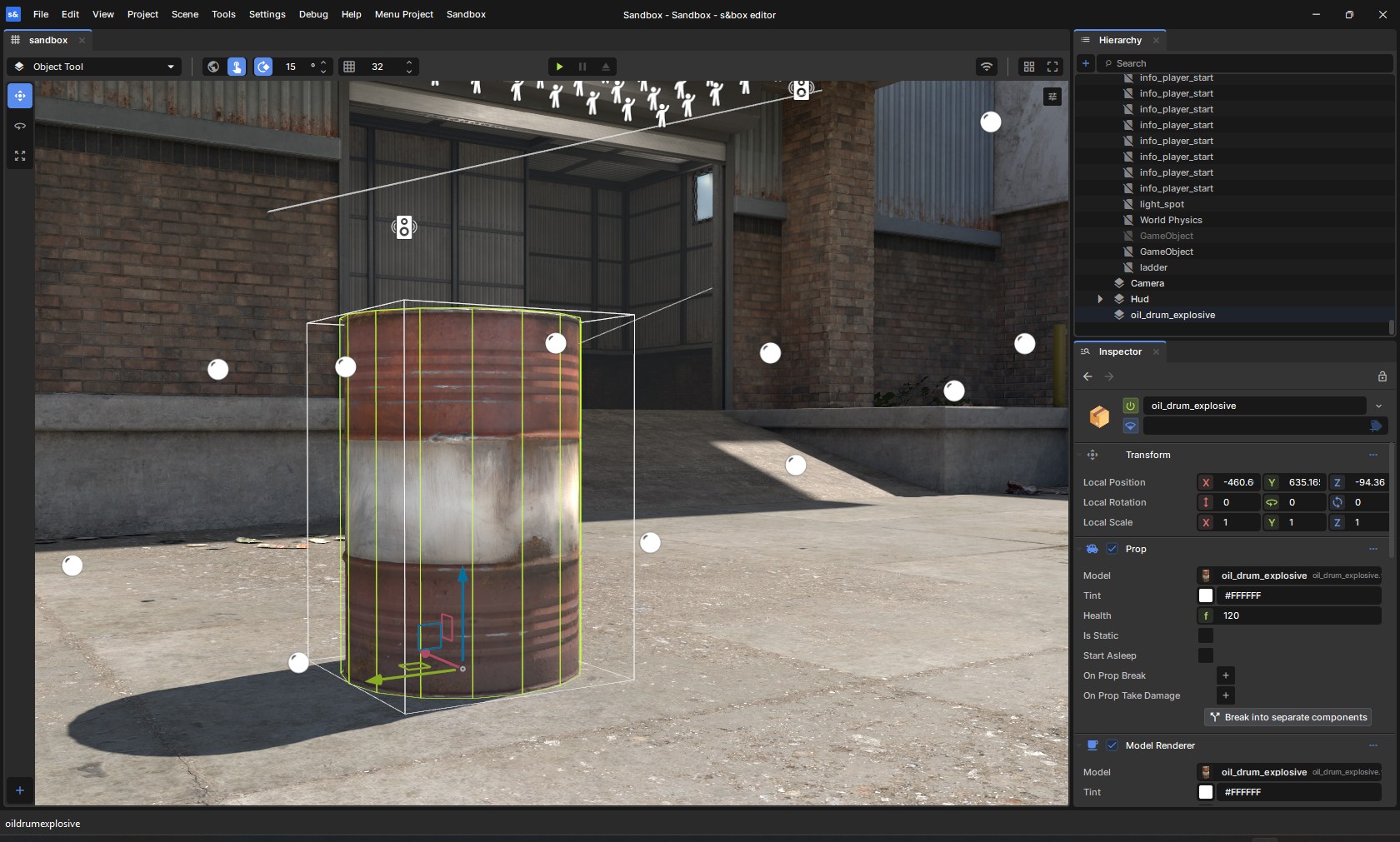
If your goal is to create games using s&box, please start with the getting started guide. This repository is for building the engine from source for those who want to contribute to the development of the engine.
Getting the Engine
Steam
You can download and install the s&box editor directly from Steam.
Compiling from Source
If you want to build from source, this repository includes all the necessary files to compile the engine yourself.
Prerequisites
Building
# Clone the repo
git clone https://github.com/Facepunch/sbox-public.git
Once you've cloned the repo simply run Bootstrap.bat which will download dependencies and build the engine.
The game and editor can be run from the binaries in the game folder.
Contributing
If you would like to contribute to the engine, please see the contributing guide.
If you want to report bugs or request new features, see sbox-issues.
Documentation
Full documentation, tutorials, and API references are available at sbox.game/dev/.
License
The s&box engine source code is licensed under the MIT License.
Certain native binaries in game/bin are not covered by the MIT license. These binaries are distributed under the s&box EULA. You must agree to the terms of the EULA to use them.
This project includes third-party components that are separately licensed.
Those components are not covered by the MIT license above and remain subject
to their original licenses as indicated in game/thirdpartylegalnotices.