 d72ffaf059
* Add r_max_anisotropy setting

Our anisotropy would default to the maximum value supported by hardware (16x), this trashes perf on my Intel B580, unreal does not even support above 8x

Unlike r_texturefilterinquality, it does not clog the renderer with user config samplers, r_max_anisotropy 1 has same result as trilinear rendering

Set default to 4, seems a good value

Not hooked up to UI

* Add r_max_anisotropy to quality_profiles

s&box
s&box is a modern game engine, built on Valve's Source 2 and the latest .NET technology, it provides a modern intuitive editor for creating games.
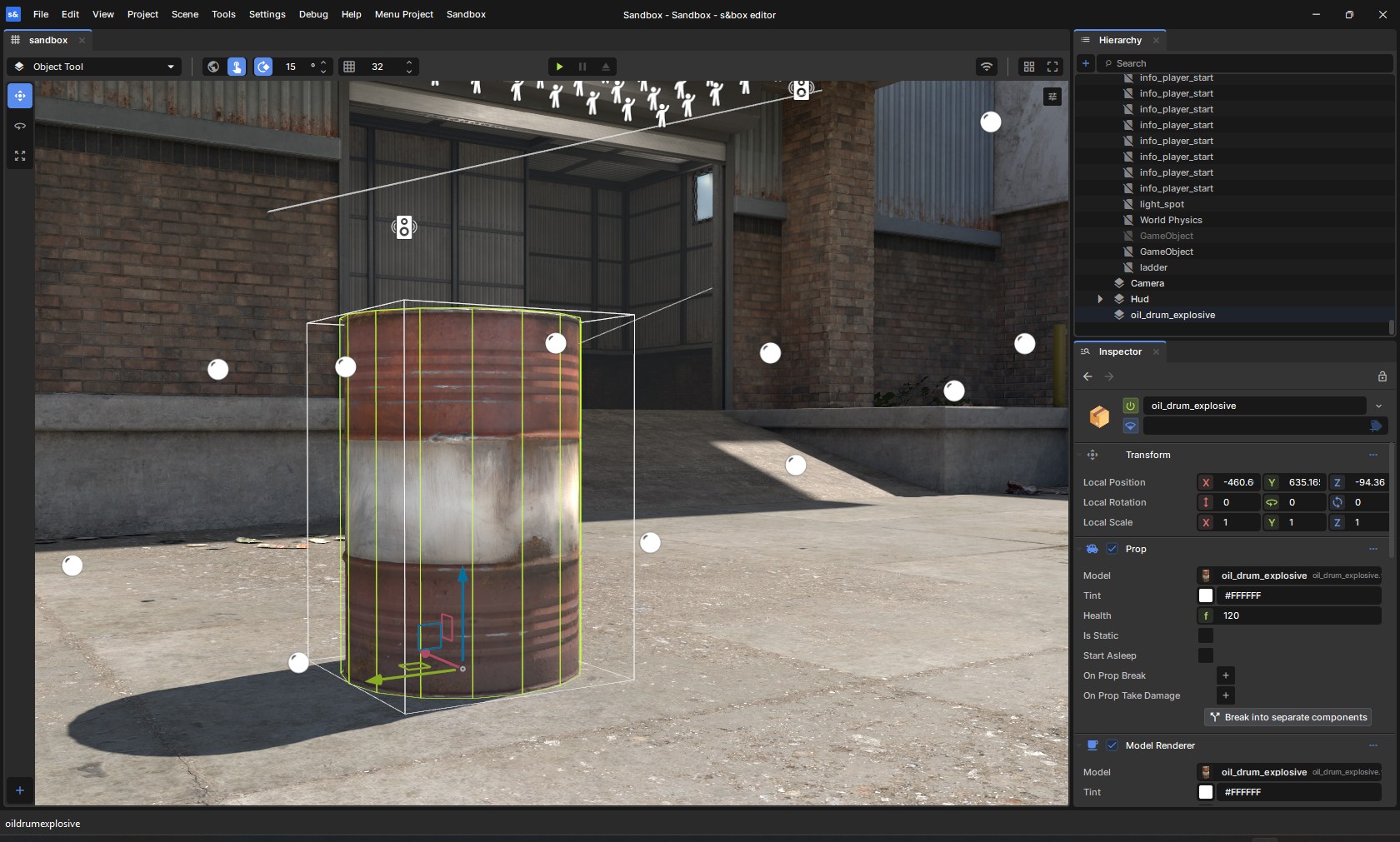
If your goal is to create games using s&box, please start with the getting started guide. This repository is for building the engine from source for those who want to contribute to the development of the engine.
Getting the Engine
Steam
You can download and install the s&box editor directly from Steam.
Compiling from Source
If you want to build from source, this repository includes all the necessary files to compile the engine yourself.
Prerequisites
Building
# Clone the repo
git clone https://github.com/Facepunch/sbox-public.git
Once you've cloned the repo simply run Bootstrap.bat which will download dependencies and build the engine.
The game and editor can be run from the binaries in the game folder.
Contributing
If you would like to contribute to the engine, please see the contributing guide.
If you want to report bugs or request new features, see sbox-issues.
Documentation
Full documentation, tutorials, and API references are available at sbox.game/dev/.
License
The s&box engine source code is licensed under the MIT License.
Certain native binaries in game/bin are not covered by the MIT license. These binaries are distributed under the s&box EULA. You must agree to the terms of the EULA to use them.
This project includes third-party components that are separately licensed.
Those components are not covered by the MIT license above and remain subject
to their original licenses as indicated in game/thirdpartylegalnotices.