
Meshtastic Web



Overview
Official Meshtastic web interface, that can be hosted or served from a node
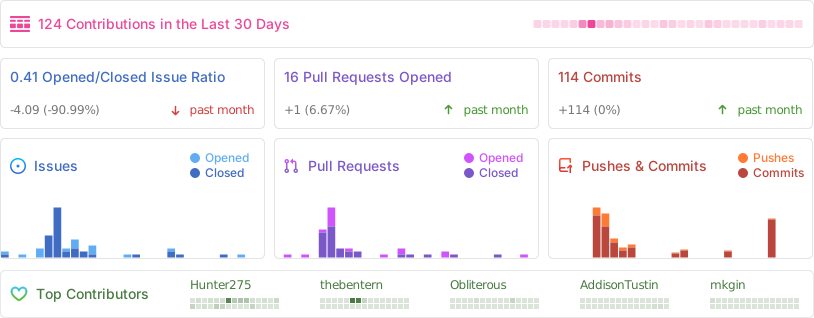
Stats
Self-host
The client can be self hosted using the precompiled container images with an OCI compatible runtime such as Docker or Podman. The base image used is Nginx 1.27
# With Docker
docker run -d -p 8080:8080 --restart always --name Meshtastic-Web ghcr.io/meshtastic/web

#With Podman
podman run -d -p 8080:8080 --restart always --name Meshtastic-Web ghcr.io/meshtastic/web
Nightly releases
Our nightly releases provide the latest development builds with cutting-edge features and fixes. These builds are automatically generated from the latest main branch every night and are available for testing and early adoption.
# With Docker
docker run -d -p 8080:8080 --restart always --name Meshtastic-Web ghcr.io/meshtastic/web:nightly
#With Podman
podman run -d -p 8080:8080 --restart always --name Meshtastic-Web ghcr.io/meshtastic/web:nightly
[!WARNING]
- Nightly builds represent the latest development state and may contain breaking changes
- These builds undergo automated testing but may be less stable than tagged release versions
- Not recommended for production environments unless you are actively testing new features
- No guarantee of backward compatibility between nightly builds
Version Information
Each nightly build is tagged with:
- The nightly tag for the latest build
- A specific SHA for build reproducibility
Feedback
If you encounter any issues with nightly builds, please report them in our issues tracker. Your feedback helps improve the stability of future releases
Development & Building
You'll need to download the package manager used with this repo. You can install it by visiting Bun.sh and following the installation instructions.
Building and Packaging
Build the project:
bun run build
GZip the output:
bun run package
Development
Install the dependencies.
bun i
Start the development server:
bun run dev