 52e969d803
* pass 1

* refactoring notes

* simplify select children

* remove switcher

* add responses

* filter by env

* patch settings

* patch settings

* remove selector

* history dereduxed

* move folder settings to conditional render

* fix types

* fix types

* fix types

* fix types

* fix lint

* migrate group settings to remix

* fix use effects

* conditional render of export modal

* more sidebar refactoring

* unpack sidebar children in export list

* unpick sidebar children

* clean up

* remove console log

* mostly working connect

* clean up

* conditionally render cookie modals

* cond render env modal

* cond render sync delete

* fix

* fix

* flatten syncitems

* remove helper

* clean

* fix grpc initial re-render

* redirect to last active request

* optimize

* fix lint

* improve typing

* add settings hotkey

* env modal hotkey

* remove active response null setting

* fix shakey test

* move delete response to action

* fix type

* fix windows flake

* cond render sync branches

* fix loading bug

* add spinner

* delete request

* fix stream with temporary hack
Insomnia API Client


Insomnia is an open-source, cross-platform API client for GraphQL, REST, WebSockets, Server-sent events and gRPC.
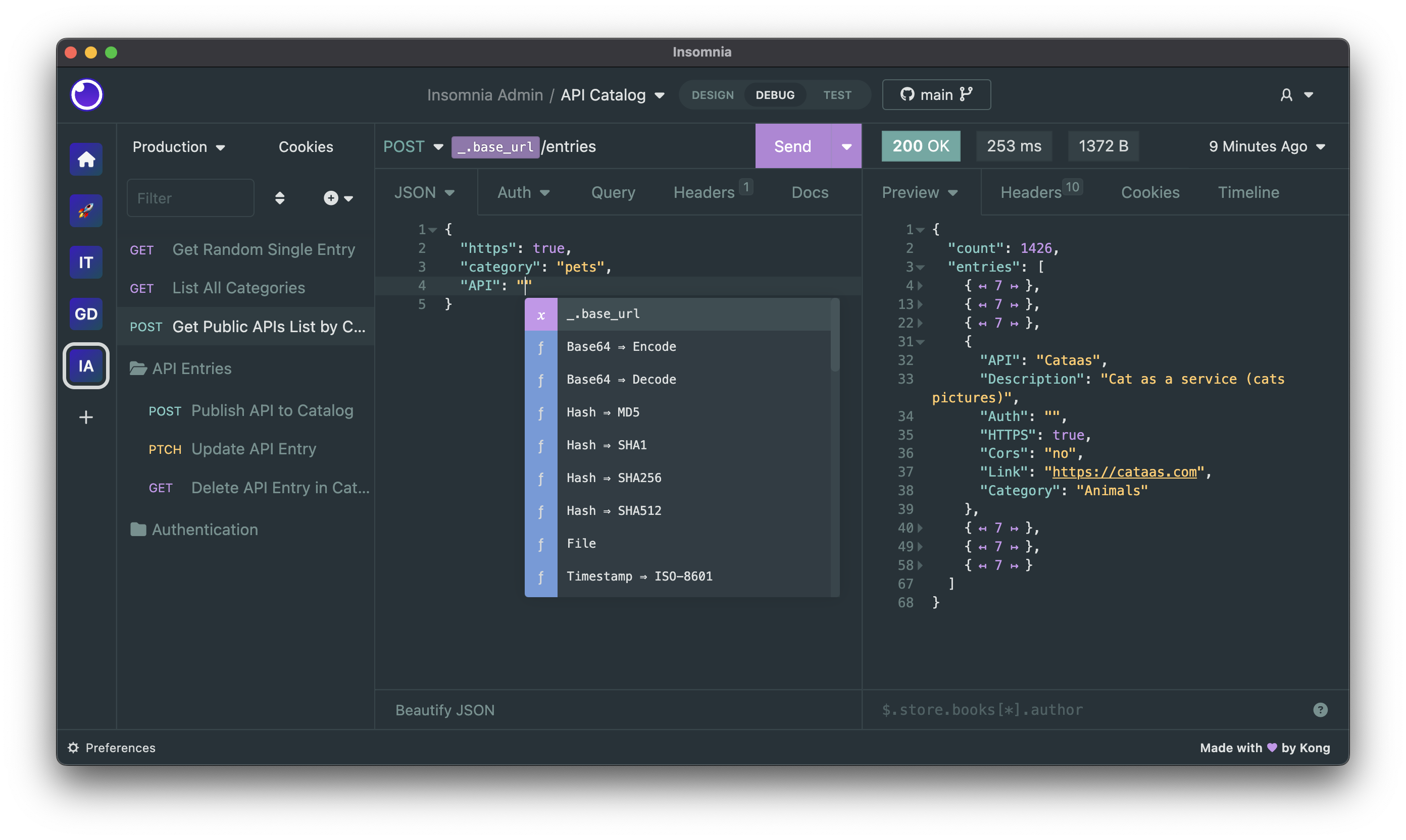
Download
Insomnia is available for Mac, Windows, and Linux and can be downloaded from the website.
https://insomnia.rest/download
Bugs and Feature Requests
Have a bug or a feature request? First, read the issue guidelines and search for existing and closed issues. If your problem or idea is not addressed yet, please open a new issue.
For more generic product questions and feedback, join the Slack Team.
Contributing
Please read through our contributing guidelines and code of conduct. Included are directions for opening issues, coding standards, and notes on development.
Documentation
Check out our open-source Insomnia Documentation.
Develop Insomnia
Development on Insomnia can be done on Mac, Windows, or Linux as long as you have Node.js and Git. See the .nvmrc file located in the project for the correct Node version.
Initial Dev Setup
This repository is structured as a monorepo and contains many Node.JS packages. Each package has its own set of commands, but the most common commands are available from the root package.json and can be accessed using the npm run … command. Here are the only three commands you should need to start developing on the app.
# Install and Link Dependencies
npm run bootstrap

# Run Tests
npm test

# Start App with Live Reload
npm run app-start
Linux
If you are on Linux, you may need to install the following supporting packages:
Ubuntu/Debian
# Update library
sudo apt-get update

# Install font configuration library & support
sudo apt-get install libfontconfig-dev
Fedora
# Install libcurl for node-libcurl
sudo dnf install libcurl-devel
Also on Linux, if Electron is failing during the bootstrap process, run the following
# Clear Electron install conflicts
rm -rf ~/.cache/electron
Windows
If you are on Windows and have problems, you may need to install Windows Build Tools
Editor Requirements
You can use any editor you'd like, but make sure to have support/plugins for the following tools:
- ESLint - For catching syntax problems and common errors
- JSX Syntax - For React components
Develop Inso CLI
- Bootstrap:
npm run bootstrap - Start the compiler in watch mode:
npm run inso-start - Run:
./packages/insomnia-inso/bin/inso -v
Plugins
Search for, discover, and install plugins from the Insomnia Plugin Hub!
Community Projects
- Insomnia Documenter - Generate beautiful API documentation pages using the documenter plugin or your Insomnia export file.
- GitHub API Spec Importer - A complete set of GitHub REST API route specifications that can be imported straight into Insomnia.
- Swaggymnia - Generate Swagger documentation for your existing API in Insomnia.