 565f389d36
* Add settings for color scheme detection and themes

Default light and dark themes can still be changed.
For now its studio-light and default for core, and studio-dark and studio-light for designer.

* Add color scheme type and supporting methods

The detection of dark scheme is based on the background color at the moment.
This seems to work pretty well, but is not an ideal solution.
I think themes should at least get to override this.

* Add support for choosing light and dark theme to settings

This adds a checkbox to the theme settings that determines whether we use the OS color scheme.
If we don't (default) everything stays the same as before.
If we do, themes are rendered in two groups. One for the light themes and one for the dark themes. They can be chosen independently. None of this overrides the default theme choice.

* Add padding to the theme settings tab

Themes are still aligned by adding negative margin.
A bit of a hack, open for suggestions.

* Update theme on OS color scheme change

* Replace usages of setTheme with applyColorScheme

This makes sure that we don't override the user's choice.

* Update packages/insomnia-app/app/plugins/misc.js

Co-authored-by: Opender Singh <opender94@gmail.com>

* Remove dark mode heuristic

* Remove unused button value

* Update theme settings design

* Update packages/insomnia-app/app/ui/components/settings/theme.js

Co-authored-by: Opender Singh <opender94@gmail.com>

* Update packages/insomnia-app/app/ui/components/settings/theme.js

Co-authored-by: Opender Singh <opender94@gmail.com>

* Replace object literal lookups

Do not use object literal lookups to make code more readable

* Remove unused parameter

* Disable default theme select when auto detection is enabled

* Fix imports after rebase

* Update packages/insomnia-app/app/ui/components/modals/settings-modal.js

Co-authored-by: Opender Singh <opender94@gmail.com>

* Update packages/insomnia-app/app/ui/components/modals/settings-modal.js

Co-authored-by: Opender Singh <opender94@gmail.com>

* Remove theme header

* Disable hover animation and border on disabled theme buttons

* Clean up double negation in css

Replace :not(:disabled) with :enabled. Not sure what I was thinking there.

* Update index.js

Co-authored-by: Opender Singh <opender94@gmail.com>
Co-authored-by: Opender Singh <opender.singh@konghq.com>
Insomnia REST Client



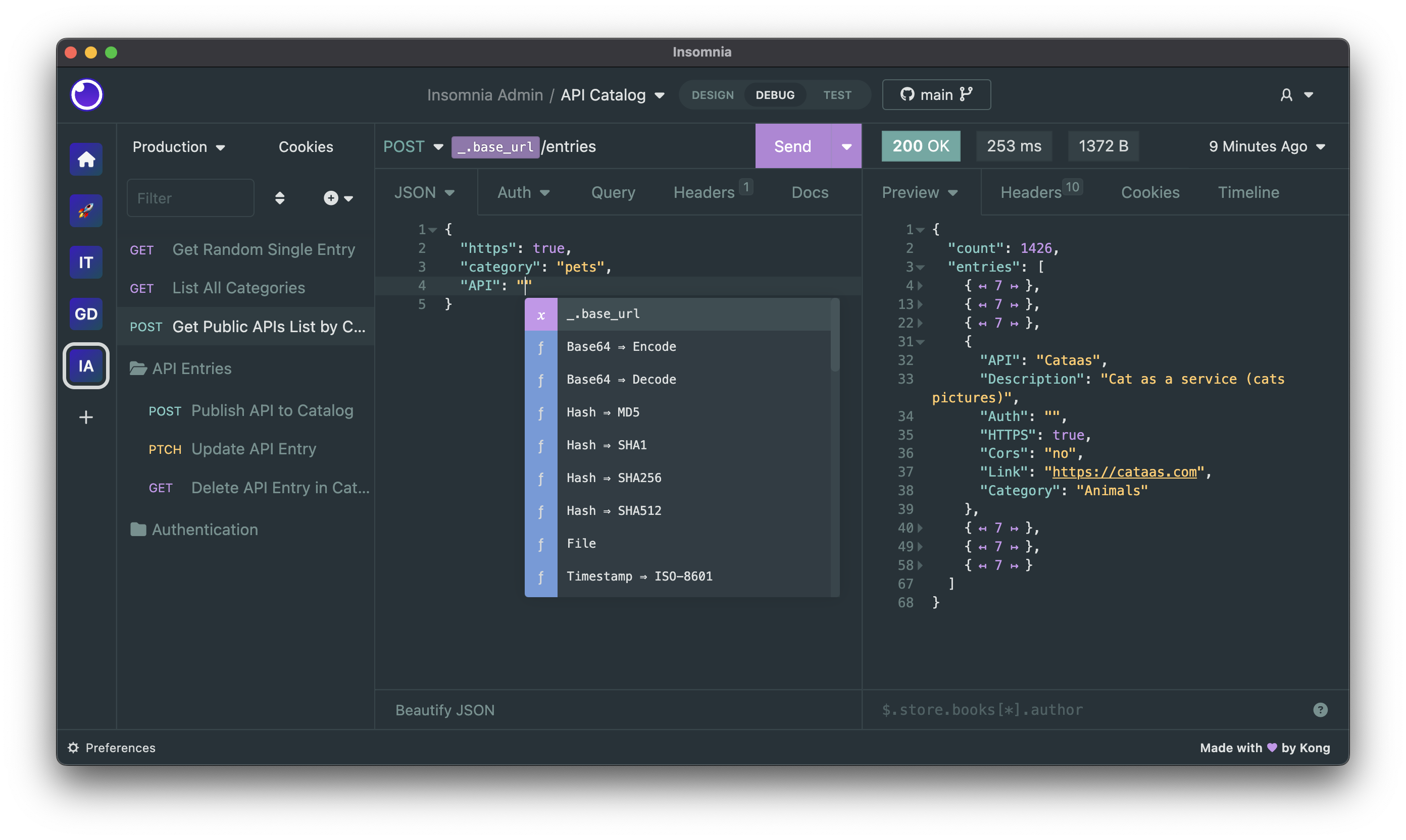
Insomnia is a cross-platform REST client, built on top of Electron.
Download
Insomnia is available for Mac, Windows, and Linux and can be downloaded from the website.
https://insomnia.rest/download
Bugs and Feature Requests
Have a bug or a feature request? First, read the issue guidelines and search for existing and closed issues. If your problem or idea is not addressed yet, please open a new issue.
For more generic product questions and feedback, join the Slack Team or email support@insomnia.rest
Contributing
Please read through our contributing guidelines and code of conduct. Included are directions for opening issues, coding standards, and notes on development.
Editor preferences are available in the editor config for easy use in common text editors. Read more and download plugins at editorconfig.org.
Developing
Development on Insomnia can be done on Mac, Windows, or Linux as long as you have
NodeJS and Git. See the .nvmrc file located in the project for the correct Node version.
Initial Dev Setup
This repository is structured as a monorepo and contains many Node.JS packages. Each package has
its own set of commands, but the most common commands are available from the
root package.json and can be accessed using the npm run ... command. Here
are the only three commands you should need to start developing on the app.
# Install and Link Dependencies
npm run bootstrap

# Run Tests
npm test

# Start App with Live Reload
npm run app-start
If you are on Linux, you may need to install the following supporting packages
# Update library
sudo apt-get update

# Install font configuration library & support
sudo apt-get install libfontconfig-dev
sudo apt-get install font-manager

# Build capability for required font-scanner package
sudo apt-get install build-essential
Also on Linux, if Electron is failing during the bootstrap process, run the following
# Clear Electron install conflicts
rm -rf ~/.cache/electron
If you are on Windows and have problems, you may need to install Windows Build Tools
Editor Requirements
You can use any editor you'd like, but make sure to have support/plugins for the following tools:
- ESLint – For catching syntax problems and common errors
- JSX Syntax – For React components
- Flow – For type annotations
Plugins
Search, discover, and install plugins from the Insomnia Plugin Hub!
Community Projects
- Insomnia Documenter – Generate beautiful API documentation pages using the documenter plugin or your Insomnia export file.
- GitHub API Spec Importer – A complete set of GitHub REST API route specifications that can be imported straight into Insomnia.
- Swaggymnia – Generate Swagger documentation for your existing API in Insomnia.